
It’s Monday morning, a mock exam in two hours, and the Assas ENT displays a terse “incorrect username or password.” The reflex: re-enter your credentials three times, then panic. Most of the time, the blockage doesn’t come from a server bug but from a technical detail that can be corrected in a few minutes, provided you know where to look.
Locked Microsoft 365 account: the blockage that the Assas ENT does not report
Since the widespread implementation of Microsoft 365 authentication at Paris-Panthéon-Assas University, some connections to the ENT go through the Microsoft portal. When you enter the wrong password several times in a row, it’s the Microsoft account that gets locked, not the ENT itself. The error screen on the ENT side does not specify this distinction.
The result: you reset your ENT password while the problem lies with the Microsoft portal. To resolve the situation, go directly to the Microsoft reset page (portal.office.com) using your institutional email in the format [email protected]. Once the Microsoft password is updated, the ENT connection works again.
This mechanism also explains why some students connect without issue to Agorassas or Doc@ssas (which use the old identifier @etudiants.u-paris2.fr) but remain blocked on Mon Assas. The two authentication systems coexist, and sometimes you need to update the password on both portals separately. For those looking to quickly resolve an Assas ENT connection issue, checking the Microsoft account should be the first reflex.

Scheduled maintenance on the Assas ENT: check before diagnosing
The university regularly schedules service interruptions, often in the evening or on weekends, for security and messaging updates. During these windows, the ENT returns connection errors even though the credentials are perfectly valid.
These maintenance periods are announced on the ENT homepage and in the digital news from Assas. For example, you might find messages like “Stop of messaging etudiants.u-paris2.fr.” The problem is that few students check this page before attempting to connect.
How not to waste an hour on a false problem
Before clearing the cache, changing browsers, or contacting support, check two things:
- Does the homepage ent.u-paris2.fr display an information banner about ongoing maintenance? If so, wait until the announced window is over.
- Is the problem affecting only the messaging or all services (Moodle, Doc@ssas, Zoom)? A targeted outage on messaging does not necessarily block access to online courses.
- Are other students reporting the same blockage at the same time? A quick message in a class group is enough to confirm a server-side outage.
This check takes less than a minute and avoids unnecessarily changing your password, which can create a mismatch between the different digital services of the university.
Cache, cookies, and multiple sessions: the trio that cuts off ENT access
We underestimate how often a saturated browser cache blocks ENT connection. The Mon Assas portal relies on SharePoint (Microsoft), which stores authentication tokens in cookies. When these tokens expire but remain in the cache, the browser sends contradictory information to the server.
The most reliable solution: clear the cache and cookies specifically for the domains u-paris2.fr and microsoft.com, then restart the browser. On Chrome, go to Settings, Privacy, then Clear browsing data filtering by site. On Firefox, the equivalent procedure can be found in the privacy settings.
Open sessions on multiple devices
A common case during exam periods: you connect to the ENT on your phone, tablet, and laptop. Some sessions conflict and cause a looping disconnection. Feedback on this point varies depending on the browsers used, but the remedy remains the same.
- Manually log out of the ENT on all devices before reconnecting on just one.
- Prefer private browsing to isolate the session if using a shared computer (university library, computer lab).
- Avoid switching between the Microsoft 365 mobile app and the web browser during the same work session.
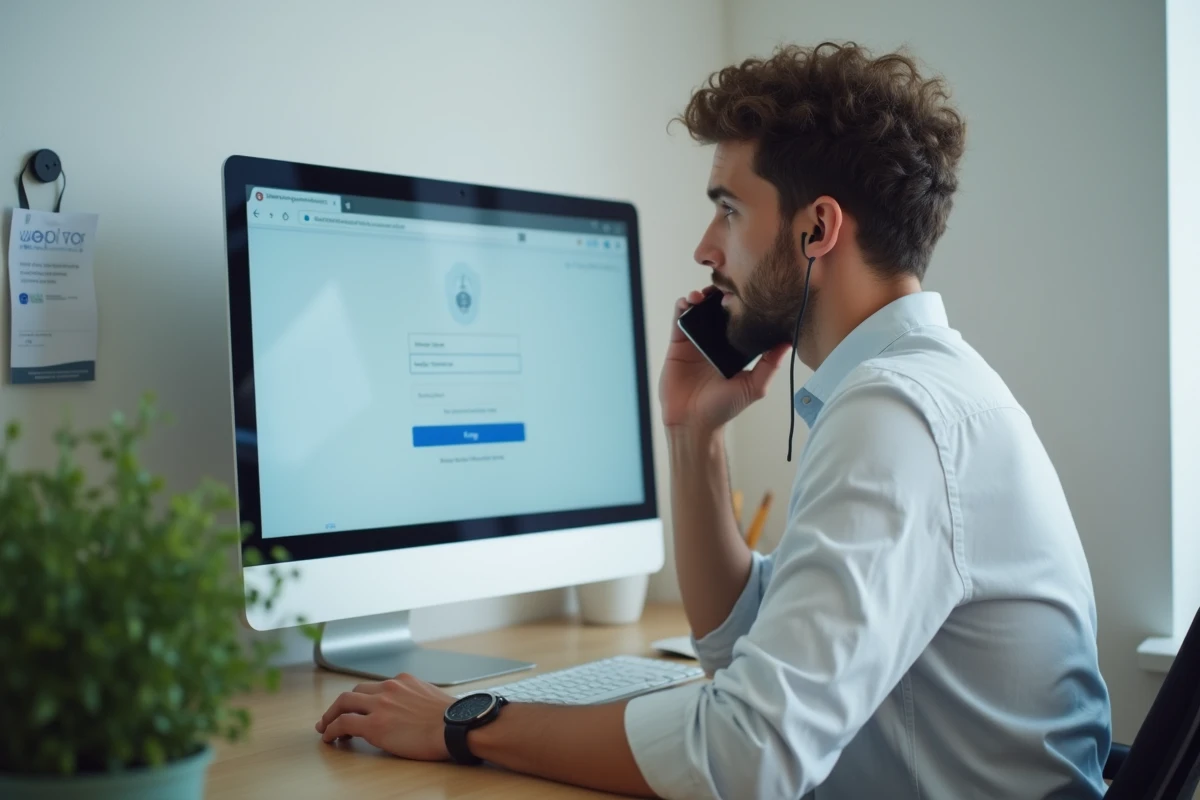
Assas digital support: how to formulate a request that gets results
The university has set up a structured digital support desk. You can contact it via an online form from the ENT (when you have access) or by email through the administration. The key point to remember: a specific ticket is processed faster than a vague message.
When reporting a connection issue, include the browser used and its version, the exact time of the blockage, the error message displayed (screenshot if possible), and the relevant institutional email address. A ticket that mentions “it’s not working since this morning” ends up at the bottom of the pile. A ticket that specifies “error 403 on cas.u-paris2.fr at 9:12 AM, Chrome 125, after resetting the Microsoft password” gets a response within the day.
For urgent situations during exam periods, the administration of each UFR can relay the request to the IT service with a higher priority level. You then go through the educational secretary of your year, not through the general digital desk.
The majority of blockages on the Assas ENT can be resolved without support intervention, provided you distinguish a Microsoft account issue from a server maintenance or cache conflict. Keeping this simple framework in mind saves considerable time, especially when access to educational resources is critical before an exam or a submission deadline.